

How to Connect Share to Facebook on Sumo?
 Emel Dalabasmaz
Archival notes (Sumo Share)
Connecting Share to Facebook was how Sumo split likes from shares on the Share bar. Without an authenticated Facebook account, those two numbers were the same.
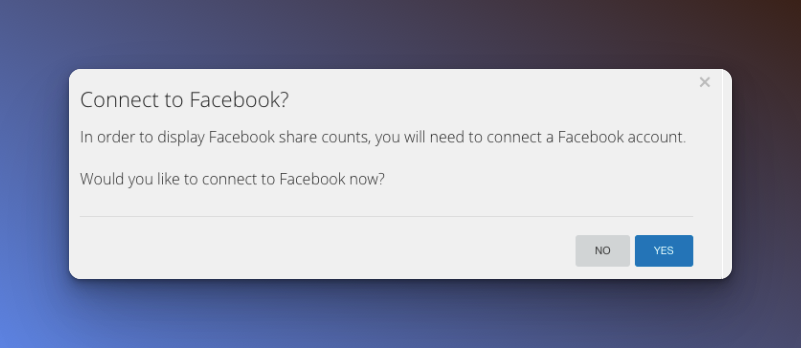
Connecting did not change where the buttons pointed. Share promoted the page you were on, not a Facebook Page you chose. Any authenticated Facebook account produced the same split.
If you still see that prompt in a leftover launcher, follow it, or use BDOW's current Share article linked above. For a new share bar, use a dedicated widget instead of BDOW.
Written and reviewed by

SEO Executive at Flatart
Emel Dalabasmaz graduated in Advertising and Public Relations from Anadolu University. She began in social media and carried that grounding — content, brand communication and performance — into SEO. For more than ten years she has worked on growth for brands across a range of industries, pairing a communications perspective with data and technical analysis to build a digital presence that holds up over time.
- Education
- Advertising and Public Relations, Anadolu University
- Writes about
- Popup builders, Conversion rate optimization, On-site messaging, SaaS pricing research, SEO, Technical SEO, Content strategy, Digital marketing